
How Dentists Fill the Schedule with Patients Already Searching
Learn how dental practices attract patients who are actively searching for a dentist right now. Real strategies for local SEO, Google ads, and conversion.
 Dental patient marketing
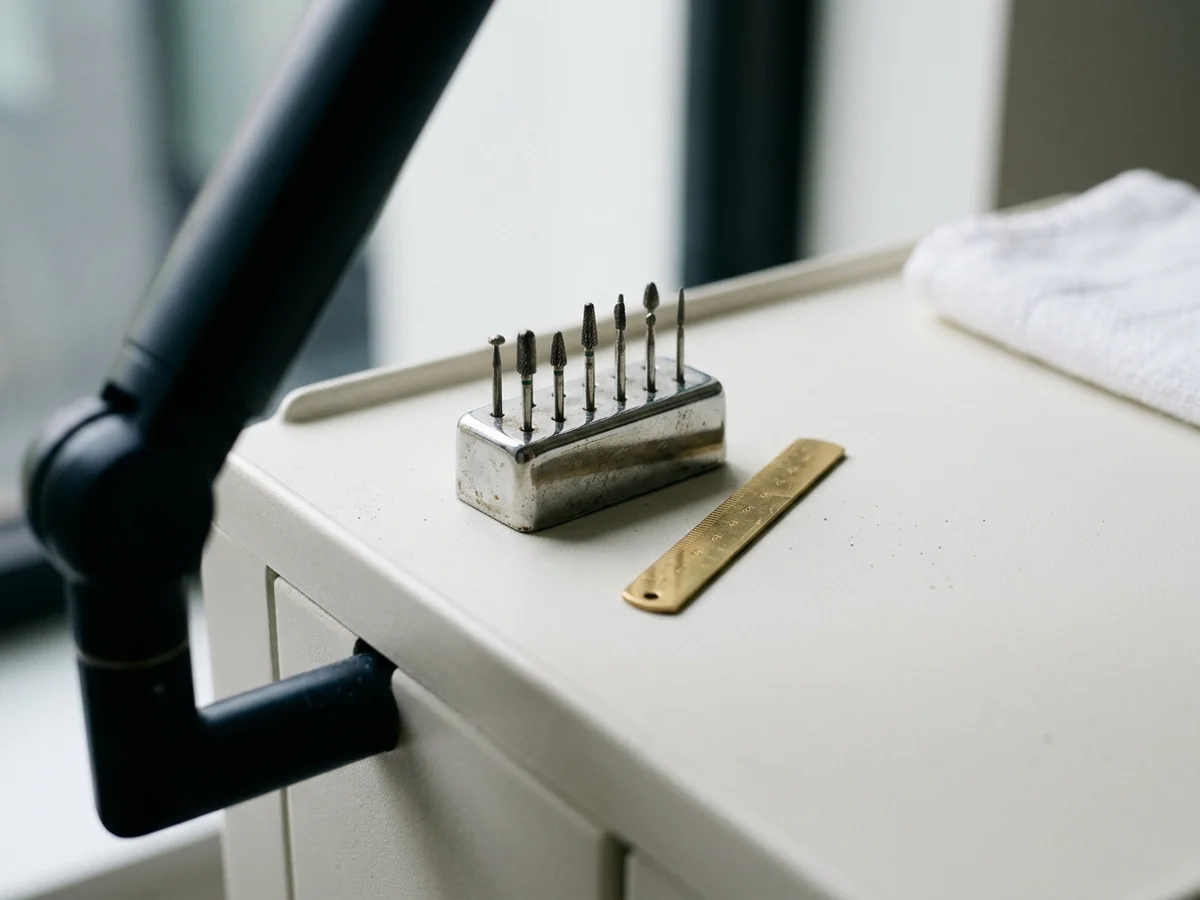
Most dental practices upload photos to their Google Business Profile (GBP) once, usually at setup, and treat it as a box to check. The photos show a bright waiting room, a few smiling staff members, and maybe an exterior shot of the building. That collection tells new patients very little about what procedures you actually perform.
Your profile photos are more than a gallery. They are one of the few places on your profile where you can show what you do without writing a word of copy. A well-chosen set of photos tells someone searching, at a glance, that your practice handles implants, clear aligner treatment, or cosmetic work, before they ever click through to your website.
Google has not confirmed that photo count, photo category, or image content gives a profile a ranking boost. Some local SEO practitioners believe organized, treatment-specific photos help a profile look more relevant, but that is practitioner belief, not a Google statement. The effect you can count on is simpler: a patient who sees photos that match what they searched for is likely to trust what they see and take the next step.
Profiles sort photos into groups, and the groups on offer vary by business type. Open your own profile and check which categories it gives you, then put treatment rooms and equipment where they fit best. If every photo sits in one generic pile, or the profile leans on images that are not your office, you are passing up an easy way to show what your practice offers.
There is a real difference between a photo that decorates your profile and one that tells a patient something. A photo of your waiting room says your office looks comfortable. A photo of your same-day crown machine (systems such as CEREC), your clear aligner trays laid out next to a case model, or your implant consultation room says something specific about what you can do.
Weaker: a stock photo of a smiling woman, uploaded to the profile with no connection to your office.
Stronger: a real photo of your whitening station, taken in your own treatment room, uploaded under the most relevant category, with no patient visible and no screens showing records. Add a short caption only if your profile offers that field.
The stronger version is real, it shows the treatment, and it does not depend on a labeling feature your profile may not have.
The same logic applies across your service mix. If you offer pediatric care, a photo of your kid-friendly treatment room or your prize box shows that environment. If you offer implants, a photo of your surgical suite or your 3D X-ray scanner says more than another exterior shot.
Equipment and room photos are fair game, but check every frame before it goes up. Make sure no screen, chart, scan, schedule, or whiteboard shows a patient's name or records, and that no patient or staff member appears without their permission.
Before-and-after images need extra care. Get written consent from the patient first. Then check your state dental board's advertising rules. Do not post before-and-after images to your profile until you have done both. The simplest frame for all of this is patient privacy plus advertising rules.
Many practitioners recommend renaming a photo before you upload it, so IMG_4872.jpg becomes dental-implant-consultation-room-austin-tx.jpg. Google has not said how much weight, if any, file names carry for profile photos, so treat this as cheap housekeeping rather than a ranking tactic.
Captions are less certain. If your profile does not show a caption or description field for your photos, skip that step. If it does, write in plain words that match what a patient would see.
Google's help pages list these requirements for profile photos:
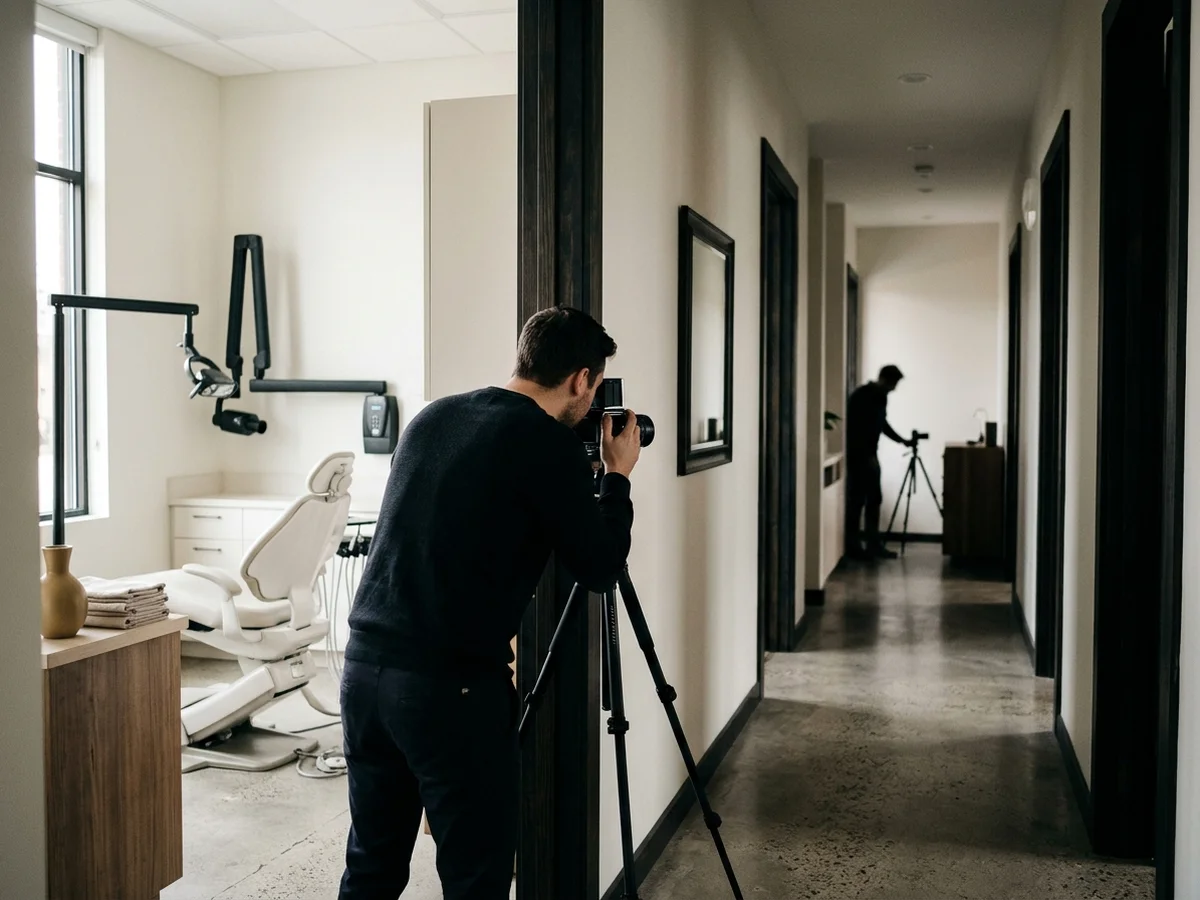
Open your profile and look through your photos. For each major treatment your practice offers, ask whether someone scrolling your profile would see any image that connects to that service. If your practice places implants but your photos show only a toothbrush display at your front desk, you have a gap.
List your five or six highest-value treatments. For each one, find at least one photo you can take without showing a patient or any clinical result. Equipment, room setup, and tool arrangement photos all work.
A profile whose newest photos are several years old can make patients wonder whether the practice is actively managed. As a suggestion, two or three new photos a month keeps the profile looking current without much time.
Assign photo updates to one team member so the task does not fall through the cracks. A photo of your new 3D X-ray scanner, your refreshed reception area, or your cleaning room takes minutes to shoot on a phone and minutes to upload. Most profiles fall behind because no one owns the task.
Nobody outside Google knows for sure. What they reliably do is help the person already looking at your profile see that you offer the treatment they searched for.
Focus on the room, the equipment, and the tools rather than anyone in the chair. Shoot when the room is empty, and turn off or angle away any screen before you take the picture.
Yes, if they are outdated or misrepresent what your practice offers today. You can delete photos you uploaded yourself. Photos added by patients or other users cannot simply be removed, but you can report one that is inappropriate or breaks Google's policies.
Use the category that best fits each photo among the ones your profile offers, and keep it consistent. Sorting photos sensibly makes your gallery easier for patients to scan.
Learn how dental practices attract patients who are actively searching for a dentist right now. Real strategies for local SEO, Google ads, and conversion.
Learn how dental offices can attract more new patients from Google using local SEO, Google Business Profile, reviews, and website strategy that actually works.

Fifteen minutes is enough for us to show you how many patients are searching in your area and what it would take to reach them.